
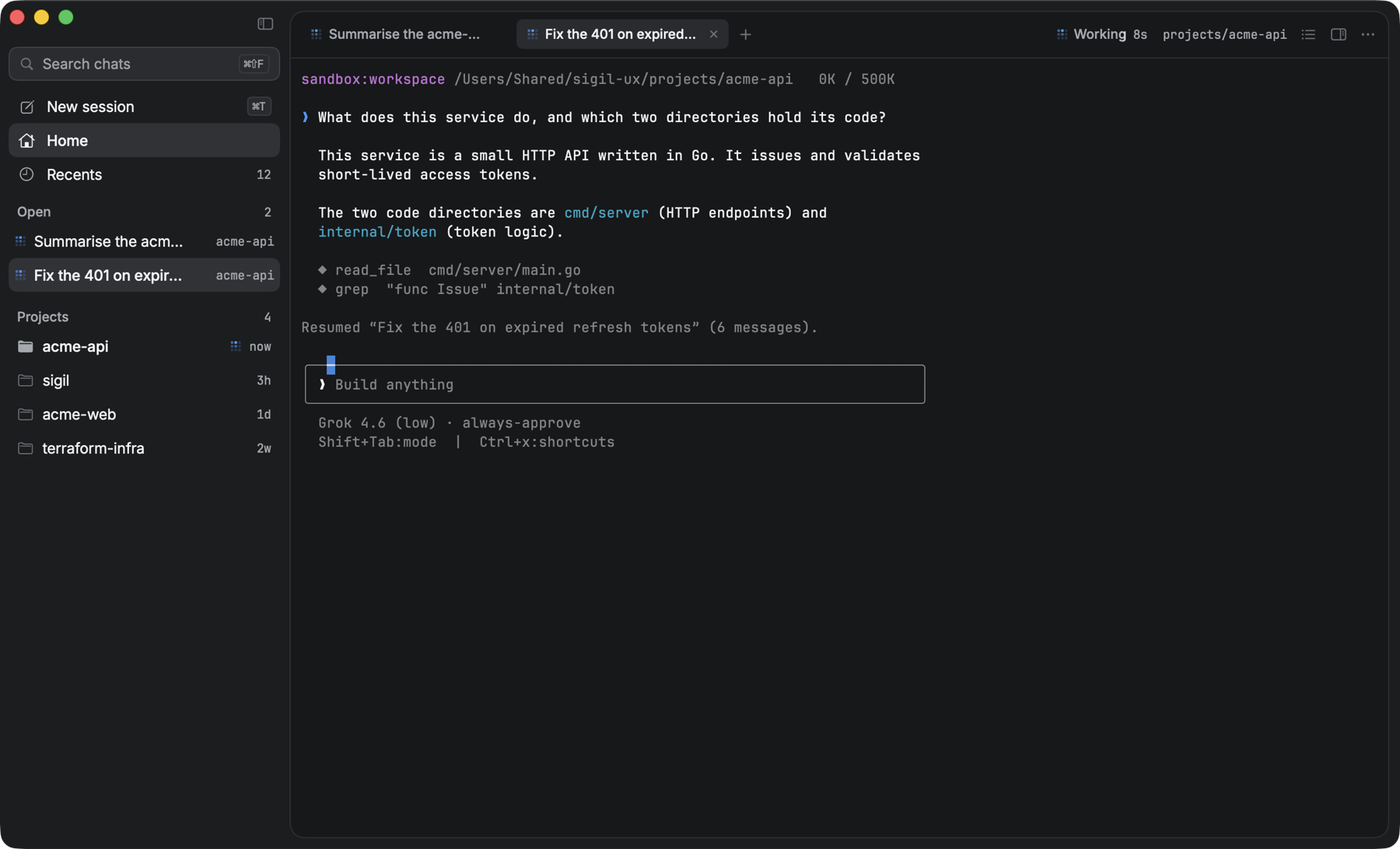
A native macOS shell for the Grok Build CLI that runs the real grok terminal UI and lists every conversation you have ever had, searchable, one click from resuming.
Needs macOS 14 or later on Apple silicon. The zip is the GitHub Actions Mac build, not a universal binary.
Install
Unzip the file and replace /Applications/Sigil.app.
The first time you open it, macOS may say it cannot verify Sigil. Open System Settings → Privacy & Security and choose Open Anyway, or run xattr -dr com.apple.quarantine /Applications/Sigil.app in Terminal.
Pair a phone
The companion is https://remote.sigilapp.dev.
- Open Settings, then Remote.
- Select Connect Phone.
- Scan the QR on the phone.
- Add to Home Screen from Safari as a shortcut, not a web app. A phone cannot use localhost.